
Linear and Jira both track software work, and they disagree about almost everything else. Jira gives you a system you configure to match your process. Linear gives you a process and asks you to adopt it.
Which one fits depends on your team's size, how much process you have to model, and how much setup you are willing to own. Here is the comparison.
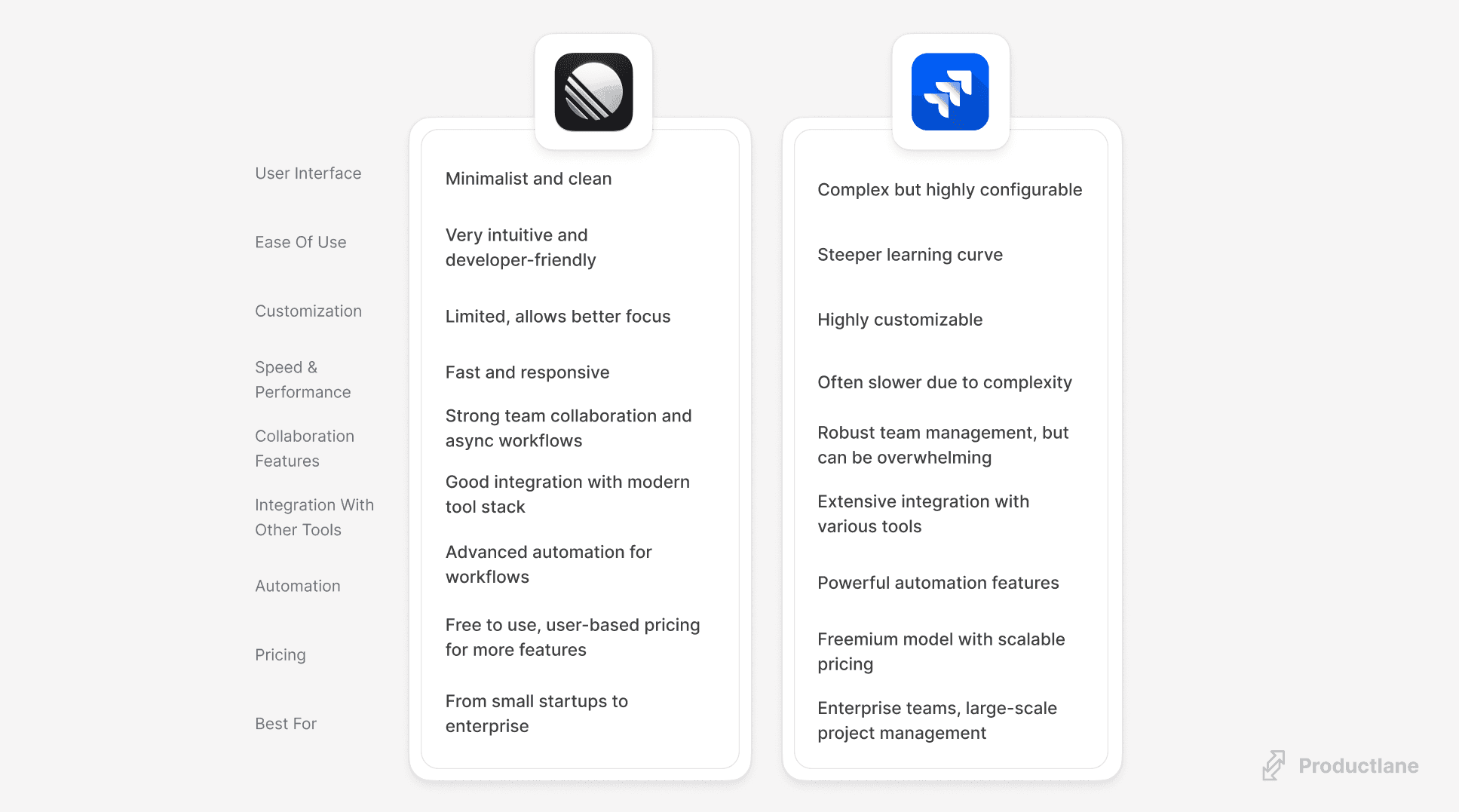
What is Linear?
Linear is an issue tracker for software teams. It is built around keyboard shortcuts and a UI that responds instantly, so filing and triaging issues costs seconds rather than a page load each.
The design decisions that make it fast are the same ones that limit it. There are fewer knobs to turn than in Jira, and the workflow mostly works the way Linear thinks it should.
That suits startups and it suits product and engineering groups inside bigger companies. It fits less well when other departments need to live in the same tool.
Top Linear features
Speed: Most actions have a keyboard shortcut and the UI updates before the server confirms. A new team is filing issues the day they sign up.
- Project updates: Post a written status on a project and it reaches everyone following it, so progress is readable without a standup.
- Triage: Bugs land in a triage queue rather than straight into the backlog, so incoming work stays separate from what the team committed to.
- Roadmaps: Projects roll up into a roadmap with target dates, which is the view you share outside the engineering team.
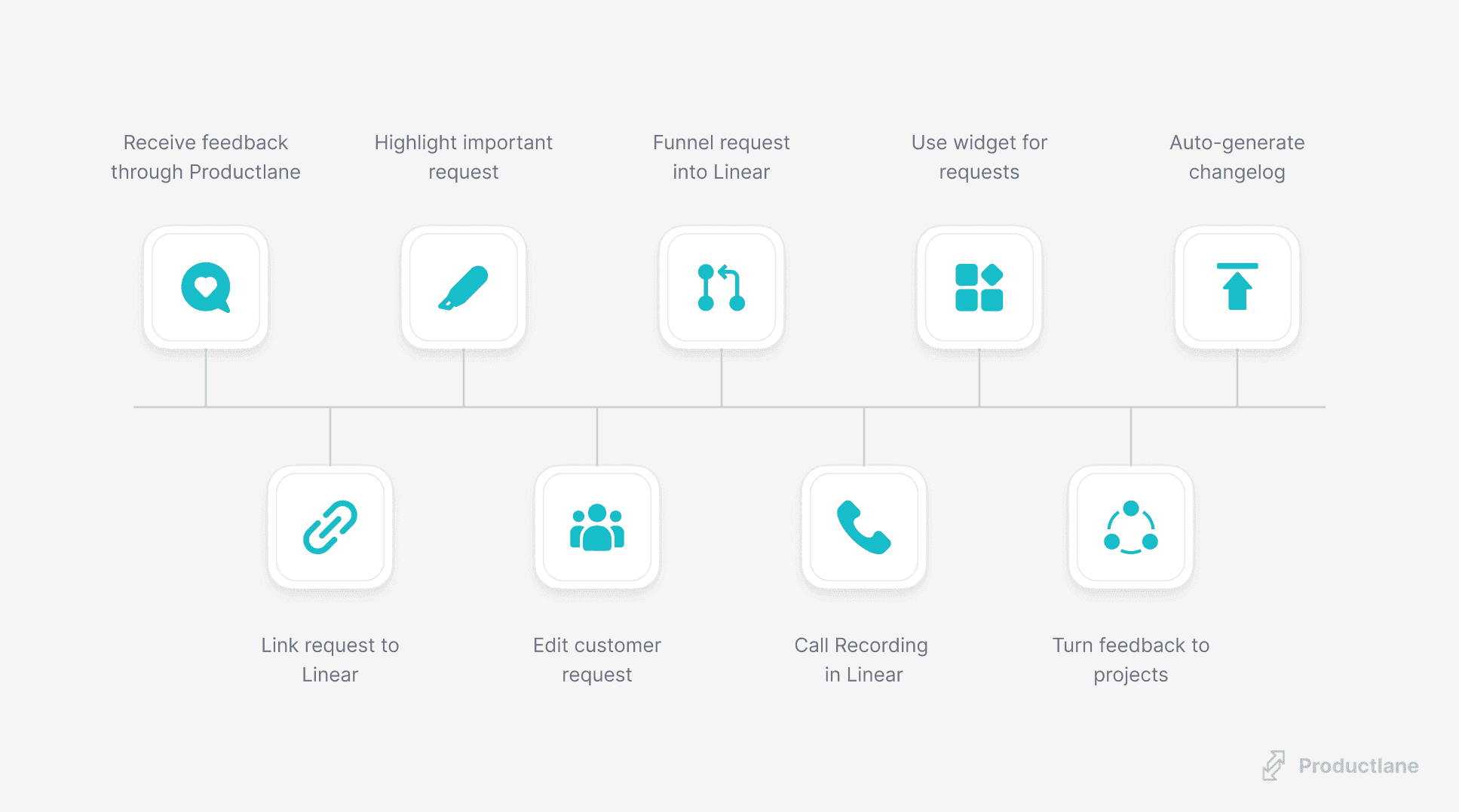
- Integrations: Slack, GitHub, and Figma are the ones most teams turn on first. A GitHub branch name closes the matching issue on merge. Productlane, built for Linear, attaches the customers who asked for something to the issue that delivers it.
Linear Pros, Cons & Cost
Pros
- Learnable in an afternoon, keyboard-driven after that
- High performance and speed
- Straightforward pricing options
- Great for small to medium-sized teams
Cons
- Limited integrations compared to Jira
- Fewer advanced features for large enterprises
Cost
- Free plan: Unlimited members and up to 250 issues
- Basic plan (From $8 per user per month): Unlimited issues and file uploads
- Business plan (From $12 per user per month): Unlimited teams, guest accounts and access to Linear Insights (data analytics)
What is Jira?
Jira is Atlassian's issue tracker, and the default at most large software companies. It covers issue tracking, project management, and the ceremonies that come with Scrum and Kanban.
Big organizations pick it because it bends to their process rather than the other way round. Custom fields, custom workflows, permission schemes per project, reporting on all of it, and a marketplace of apps for whatever is left.
All that configuration has to be built and then maintained. Larger companies staff someone to do that. A team of eight ends up with a tool that takes a week to set up and still does not match how they work.
Top Jira features
Templates: Start a project from a preset instead of building the workflow yourself, which is how non-engineering teams get set up without an admin.
- Custom workflows: Define your own statuses, transitions, and the conditions that gate them. Scrum, Kanban, and anything your compliance team invented all fit.
- Reporting: Burndown, velocity, and cumulative flow come built in, and you can query anything else with JQL.
- The Atlassian Marketplace: Thousands of apps, plus the rest of the Atlassian suite. Figma, Salesforce, and Zoom all connect.
Jira Pros, Cons & Cost
Pros
- Wide range of features
- Highly customizable
- Strong integration capabilities
- Suitable for large and complex projects
Cons
- A steeper learning curve, especially for people outside engineering
- Can be overwhelming for smaller teams
- Performance can be slow with large data sets
Cost
- Free plan: Unlimited goals, projects, tasks, and forms for up to 10 users
- Standard plan (From $7.16 per user per month): Unlimited users, external collaboration, and multi-region data residency
- Premium plan (From $12.48 per user per month): Unlimited storage, customizable approval processes, priority support, and 99.9% uptime SLA
Our verdict on Linear vs Jira: the best tool for software development teams
We run on Linear, so treat this as a biased answer with reasons attached. For a product team under a few hundred people, the speed and the flat pricing win, and the configuration you give up is configuration you would have spent a week building.
The customer side matters too. With Productlane, the feedback that justified a feature stays attached to the Linear issue that ships it, and the customers who asked get told when it lands.
Jira is the better answer when the process is genuinely complicated: several departments in one tool, audit requirements, or reporting someone outside engineering depends on. That is a real category, and Linear does not serve it.
FAQs on Linear vs. Jira
Is there a Microsoft equivalent of Jira?
Yes, Microsoft offers Azure DevOps, a suite of development tools that includes features similar to Jira for issue tracking, project management, and CI/CD pipelines.
Why do so many teams use Jira?
Jira has been the default for two decades, so most engineers have used it somewhere and most companies already pay Atlassian. The customization and the app marketplace keep it there once the process is built.